Configuring Touch Controls on the New MacBook Pro OLED
The latest MacBook Pro featuring the PROLED XDR Display introduces a dedicated interface within System Settings for managing touch-based inputs. Users can now assign specific trackpad-style gestures to the screen, including shortcuts for Mission Control, application navigation, and desktop management, marking a shift in how macOS interacts with physical hardware.
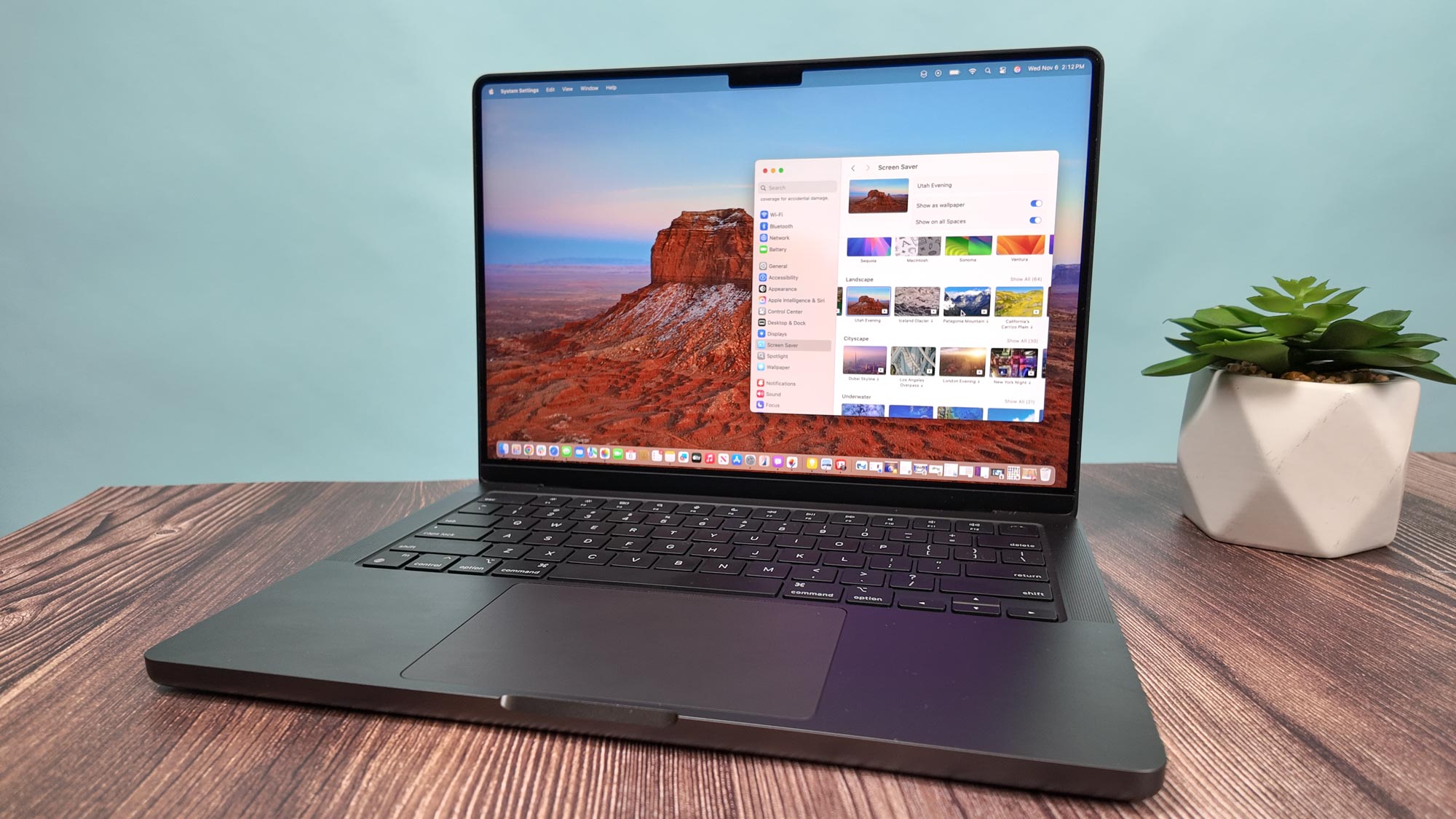
While these customization options offer new workflow efficiencies, Apple has opted to tuck the master kill-switch for the touchscreen functionality deep within the Accessibility menu. This design choice complicates the process for users who prefer a traditional interface and want to disable touch features entirely. The integration of these settings suggests a long-term strategy to unify gesture-based navigation across the company's portable computing lineup, bridging the gap between trackpad dexterity and direct screen interaction.
Comments (0)
No comments yet. Be the first!